

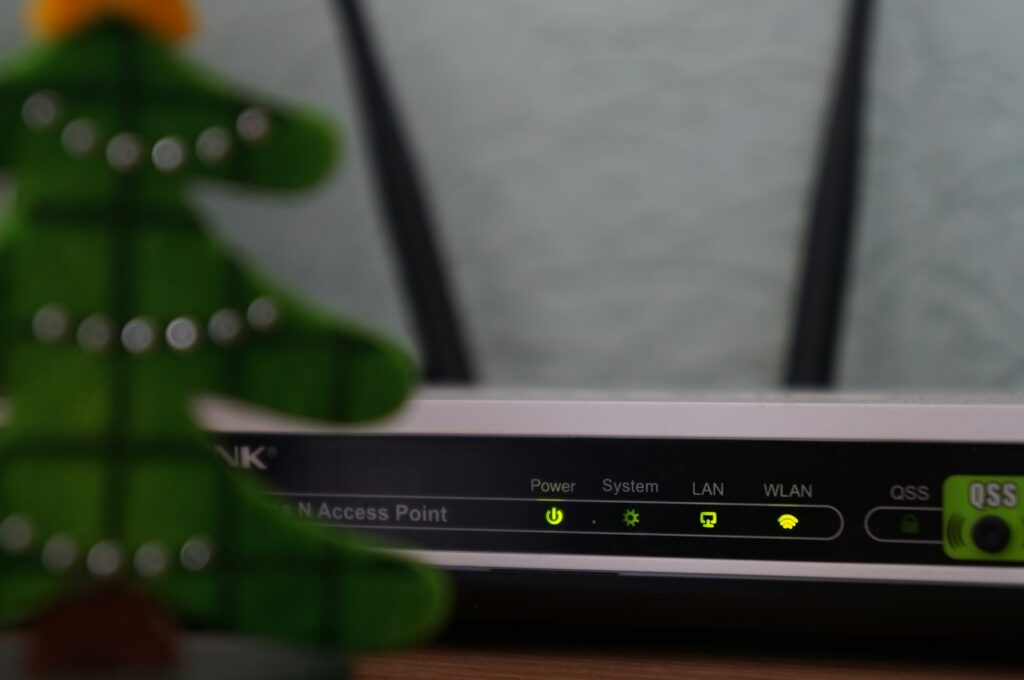
Walk into any internet provider’s showroom and the rep will throw the words “router” and “modem” at you like they’re the same thing. Spoiler: they’re not. If you’ve ever wondered about router vs modem and what’s actually the difference, you’re in the right spot.
Understanding the difference saves you money (ISP rentals are robbery), helps you troubleshoot way faster, and stops you from buying gear you don’t need. Let’s break it down.
The Short Version
- A modem connects your house to the internet. It talks to your ISP.
- A router distributes that internet to all your devices. It talks to your phones, laptops, and TVs.
- You need both. They do different jobs.
- Some boxes combine them into one device (called a “gateway” or “modem-router combo”).
That’s the whole concept. Everything else is just nuance.
What Does a Modem Actually Do?
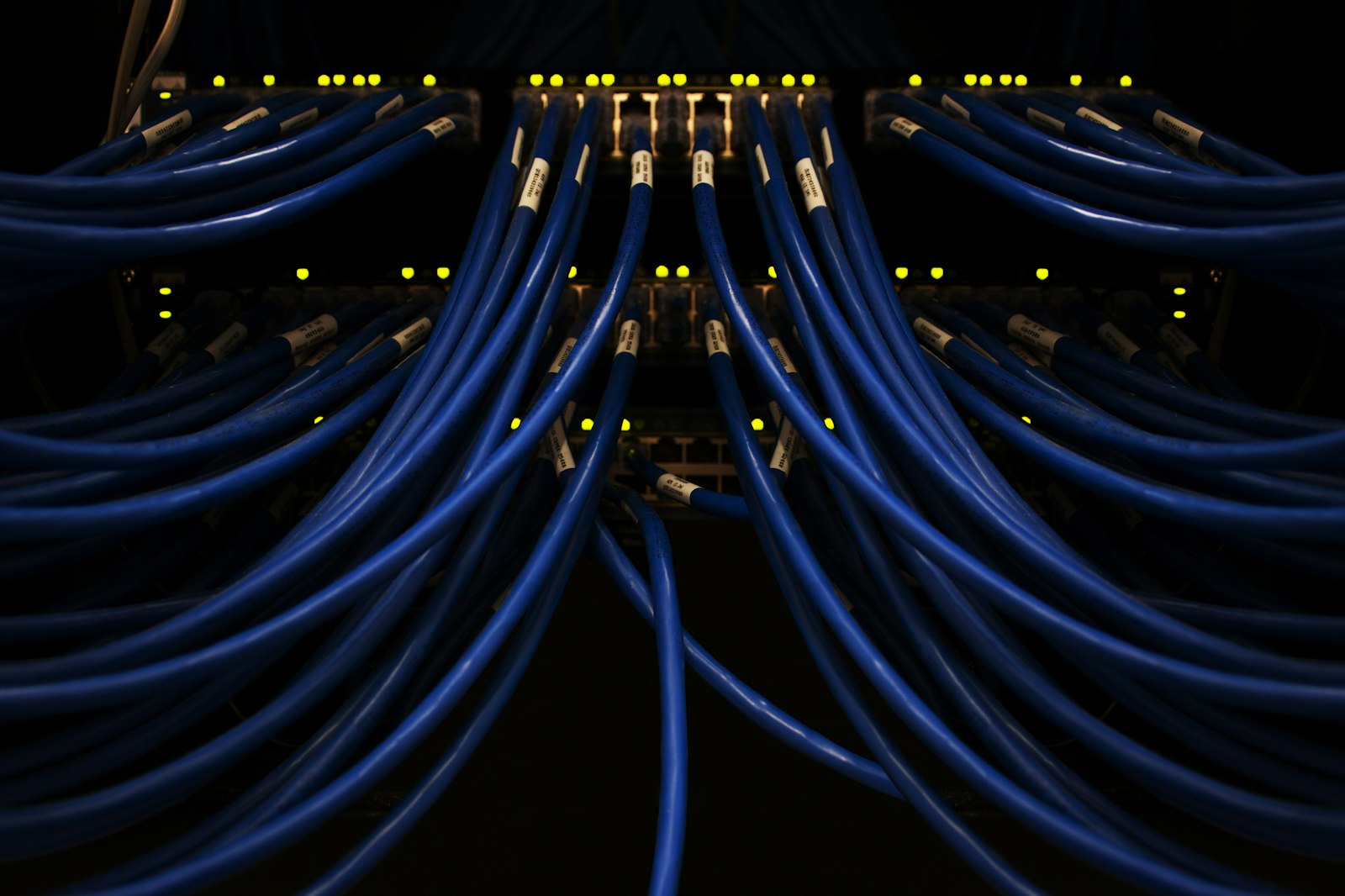
The modem is the box that connects to whatever your ISP runs into your house — coax (cable), phone line (DSL), or fiber optic cable. Its only job is to translate that incoming signal into something your devices can use.
Key things to know:
- Without a modem, your house has no internet at all. (For background on how internet enters your home in the first place, see what is fiber internet.)
- A modem has no Wi-Fi by itself. Just a cable connection in and a cable connection out.
- If you have fiber, the “modem” equivalent is called an ONT (Optical Network Terminal). Same idea.
- If you’re renting one from your ISP for $10–$15/month, you’re paying for it many times over.
What Does a Router Actually Do?
The router plugs into the modem and spreads the internet around your house. It has the Wi-Fi antennas. It has the Ethernet ports. It assigns IP addresses to your devices. It runs the firewall.
Without a router, only one wired device could use the internet at a time. With a router, you can connect dozens.
Modem vs Router: The Quick Comparison
| Feature | Modem | Router |
|---|---|---|
| Connects to | Your ISP | Your modem |
| Provides Wi-Fi? | No | Yes |
| Number of devices it supports | 1 (without a router) | Dozens |
| Firewall | No | Yes |
| Required to have internet | Yes | Yes, for Wi-Fi |
| You can buy your own | Yes (saves money) | Yes (better performance) |
The Modem-Router Combo (Gateway)
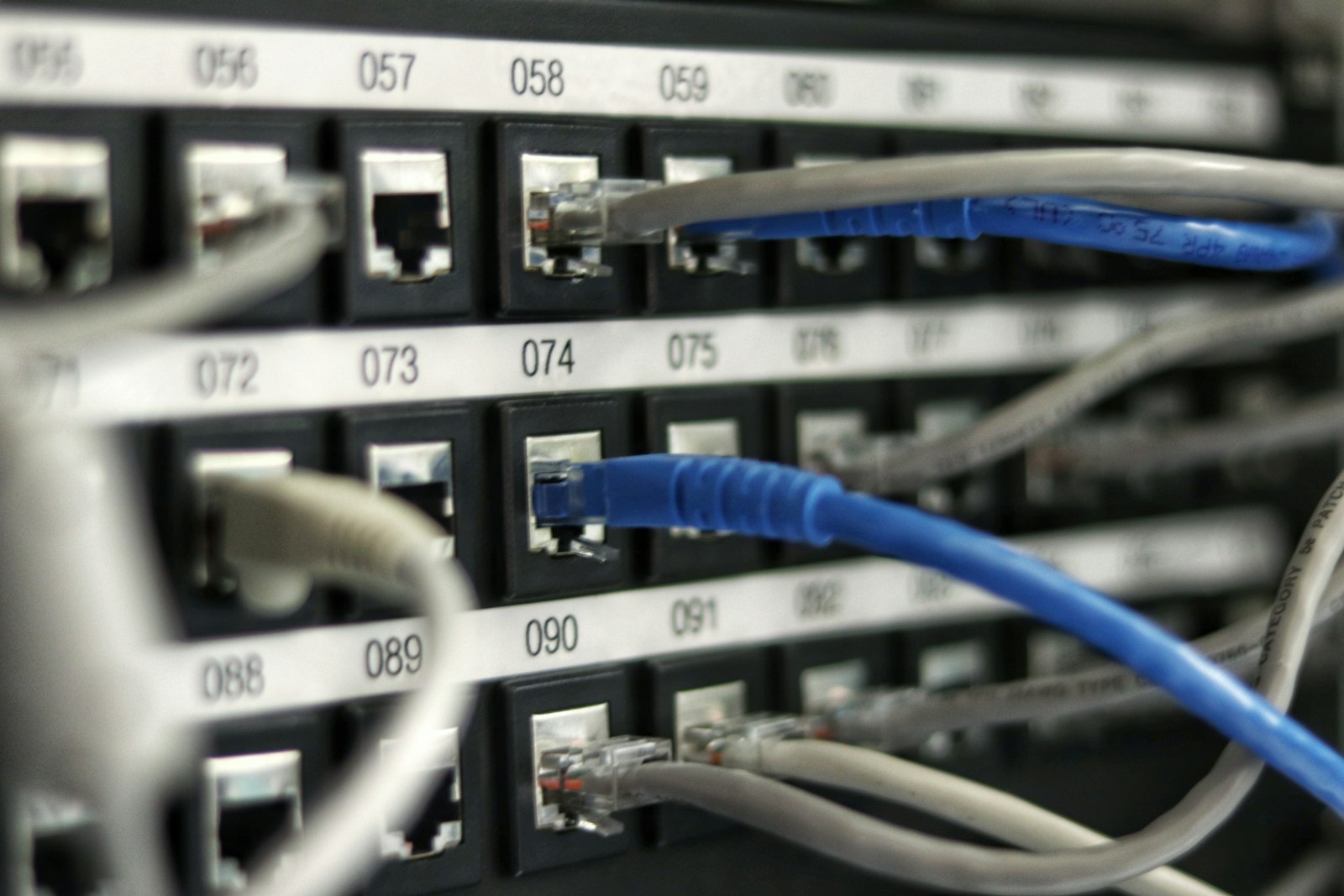
Most ISPs hand you a single box that does both jobs. They call it a “gateway.” Convenient, fewer cables, less clutter — but there are trade-offs.
Pros of a combo box
- One device, one power plug, one place for setup.
- ISP supports it, so if it breaks they’ll swap it.
- Cleaner-looking setup.
Cons of a combo box
- If either side fails, you replace the whole box.
- The Wi-Fi side is usually weaker than a standalone router.
- You’re renting it forever ($10–$15/month) instead of owning your own.
- Less customization (QoS, port forwarding, parental controls).
Should You Buy Your Own Modem and Router?
Honest answer: yes, almost always. Here’s the math.
A decent cable modem costs around $100. A solid Wi-Fi 6 router runs about $120. Total: $220 one-time.
Your ISP charges $14/month to rent both. That’s $168 a year, every single year, forever. You break even in 16 months — and after that, every month is pure savings.
Plus, owned gear usually outperforms rental hardware. The boxes ISPs hand out are built to the cheapest spec that still works. A $120 router you pick yourself will beat it on range, speed, and reliability.
When Do You Need to Replace Your Modem?
- It’s more than 5 years old.
- You upgraded your plan and aren’t getting the speeds you’re paying for.
- It overheats, drops, or restarts itself.
- Your ISP is forcing a firmware update it can’t handle.
When Do You Need to Replace Your Router?
- It’s 4+ years old.
- You have dead Wi-Fi zones in your house.
- You’re still on Wi-Fi 5 (current standard is Wi-Fi 6/7).
- You have 20+ connected devices.
- You upgraded your internet plan to fiber or gigabit.
What About Fiber Internet?
If you have fiber, the modem-or-not question gets simpler. Fiber providers install an ONT (Optical Network Terminal) at your wall — that’s the box that handles the fiber signal. You don’t buy that one; it’s part of the install.
The router question stays the same: you can use the ISP’s, or buy your own and plug it into the ONT for better performance.
FAQ
Can I use just a router without a modem?
No. A router needs internet to share. Without a modem, there’s nothing for it to share. The only exception is fiber, where an ONT replaces the modem.
Can I use just a modem without a router?
Sort of. You can plug a single computer directly into a modem and it’ll work. But you’ll have no Wi-Fi and only one device gets connected.
Will buying my own modem void anything?
No. ISPs publish lists of approved modems. As long as you buy from that list, you’re fine. Your ISP will literally help you set it up.
Is a mesh system a router or a modem?
It’s a router (multiple routers, actually). You still need a modem in front of it. Plug the mesh main node into your modem.
What’s the difference between a modem and an ONT?
Same role, different tech. A modem handles cable or DSL signals. An ONT handles fiber optic signals (light). Both connect your house to the internet.
Bottom Line
The modem brings the internet in. The router spreads it around. You need both. The ISP combo is convenient but rents you a mediocre product forever. Buying your own gear pays for itself in about a year and a half, and works better the whole time.
If you’ve been renting from your ISP for years without thinking about it, now’s the time to do that math.
Related Reading
- Why Is My Wi-Fi So Slow All of a Sudden? — 10 real reasons your Wi-Fi got slow and how to fix each one.
- Why Does My Wi-Fi Keep Disconnecting? — 8 real reasons your Wi-Fi keeps dropping and the fixes that work.
- Wired vs Wireless Internet: Why Ethernet Is Always Faster? — Why a wired connection wins every time for speed and stability.
- What Is Fiber Internet? A Complete Beginner Guide — Everything you need to know about fiber internet — the foundational guide.
About Fiber Internet Shop
Fiber Internet Shop helps Americans find the fastest, most reliable internet plan for their home. Our team tracks publicly reported fiber rollouts and breaks down what really matters when you’re shopping — we do not operate a proprietary lab or publish ranked “best ISP” test scores — speed, latency, upload, and real-world reliability. Check fiber availability at your address in under 30 seconds.