

So you keep hearing the word “fiber” thrown around in every internet ad on TV, and now you’re asking yourself: what is fiber internet, and is it actually worth switching to? Fair question. A lot of people sign up for fiber without ever really understanding what they bought — they just heard it’s fast.
Here’s the short version: fiber transmits information as pulses of light, which travel through glass at a substantial fraction of the speed of light in a vacuum. That’s not marketing fluff — we’ll get into why in a minute.
By the end of this guide, you’ll know what fiber actually is, how it works, where it beats cable (and where cable still hangs in there), and whether it’s worth the switch in your situation.
What Is Fiber Internet, Really?
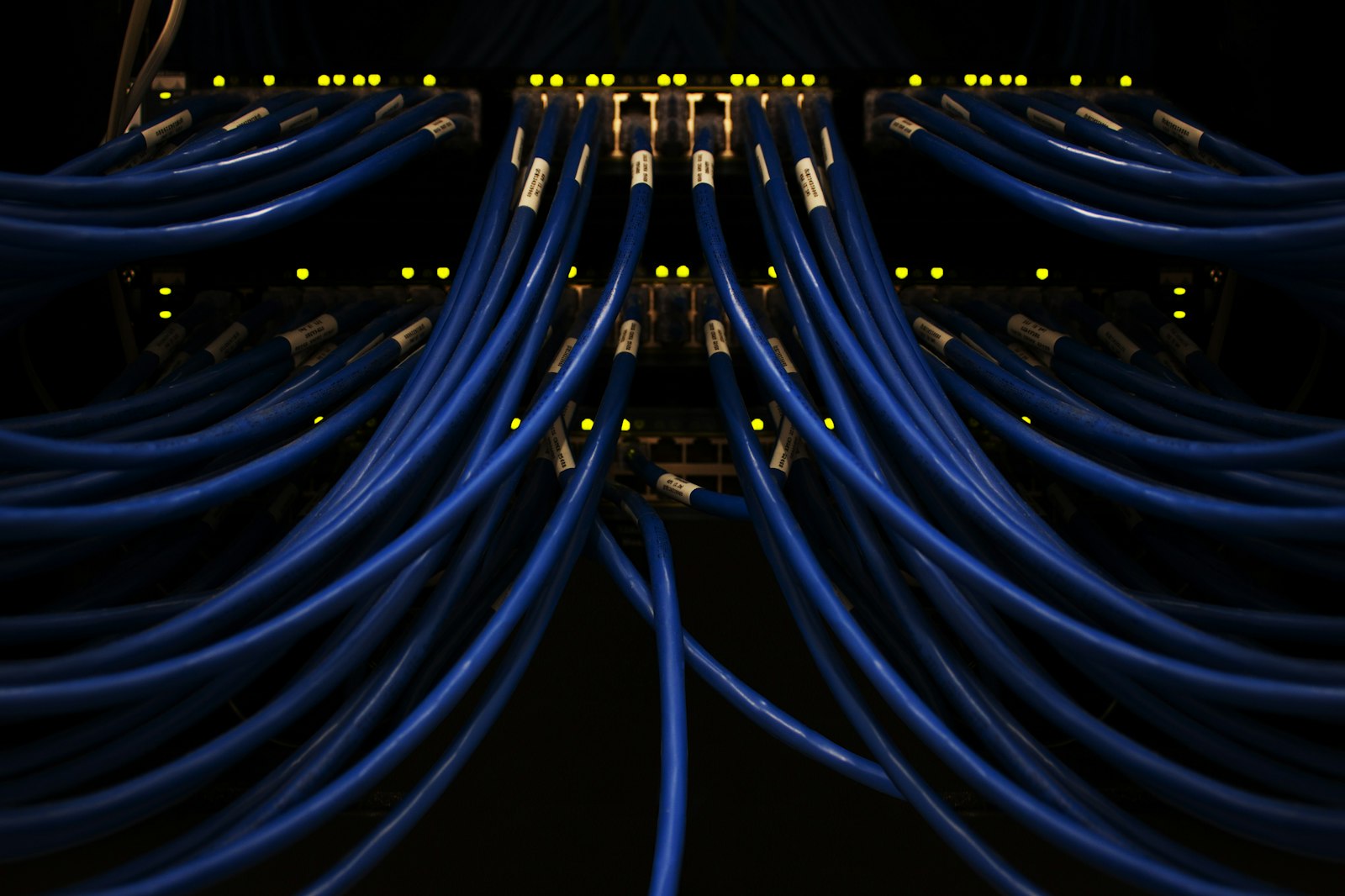
Fiber internet uses thin strands of glass to send your data as flashes of light. That’s it. That’s the whole trick. Instead of pushing electricity down a copper wire (which is what cable and DSL do), fiber shoots tiny pulses of light down a glass thread.
Why does that matter? A few reasons:
- Light moves way faster than electrons crawling through copper.
- Glass doesn’t get jammed up by interference from microwaves, power lines, or your neighbor’s bad wiring.
- The signal doesn’t fade nearly as much over distance.
- You get the same speed going up as you do coming down. That last one is huge if you ever upload video, back up files, or hop on a Zoom call.
Most home fiber plans today land somewhere between 300 Mbps and 5 Gbps. Some providers are pushing 10 Gbps now, which is honestly overkill for almost everyone — but cool to have in your back pocket.
How Does Fiber Internet Actually Work?
You don’t need an engineering degree to picture this. Let me break it down step by step.
Step 1: Your data turns into light
When you click “Send” on an email or hit play on Netflix, your computer is really just shooting out 1s and 0s. At your provider’s end, a laser (or sometimes an LED) translates those 1s and 0s into on/off flashes of light. Light on = 1. Light off = 0. Simple.
Step 2: The light shoots through glass
The light flies down a glass fiber so thin you’d struggle to see it without a magnifying glass. It bounces along the inside of the glass — this is called total internal reflection, if you want the fancy term — and stays trapped in there until it reaches the other end. No signal leaks out. Almost nothing slows it down.
Step 3: The light shows up at your house
The fiber line ends at a little box on your wall called an ONT (Optical Network Terminal). Don’t worry about the name. Its job is to turn those light pulses back into the electrical signal your router can understand.
Step 4: Your router takes over
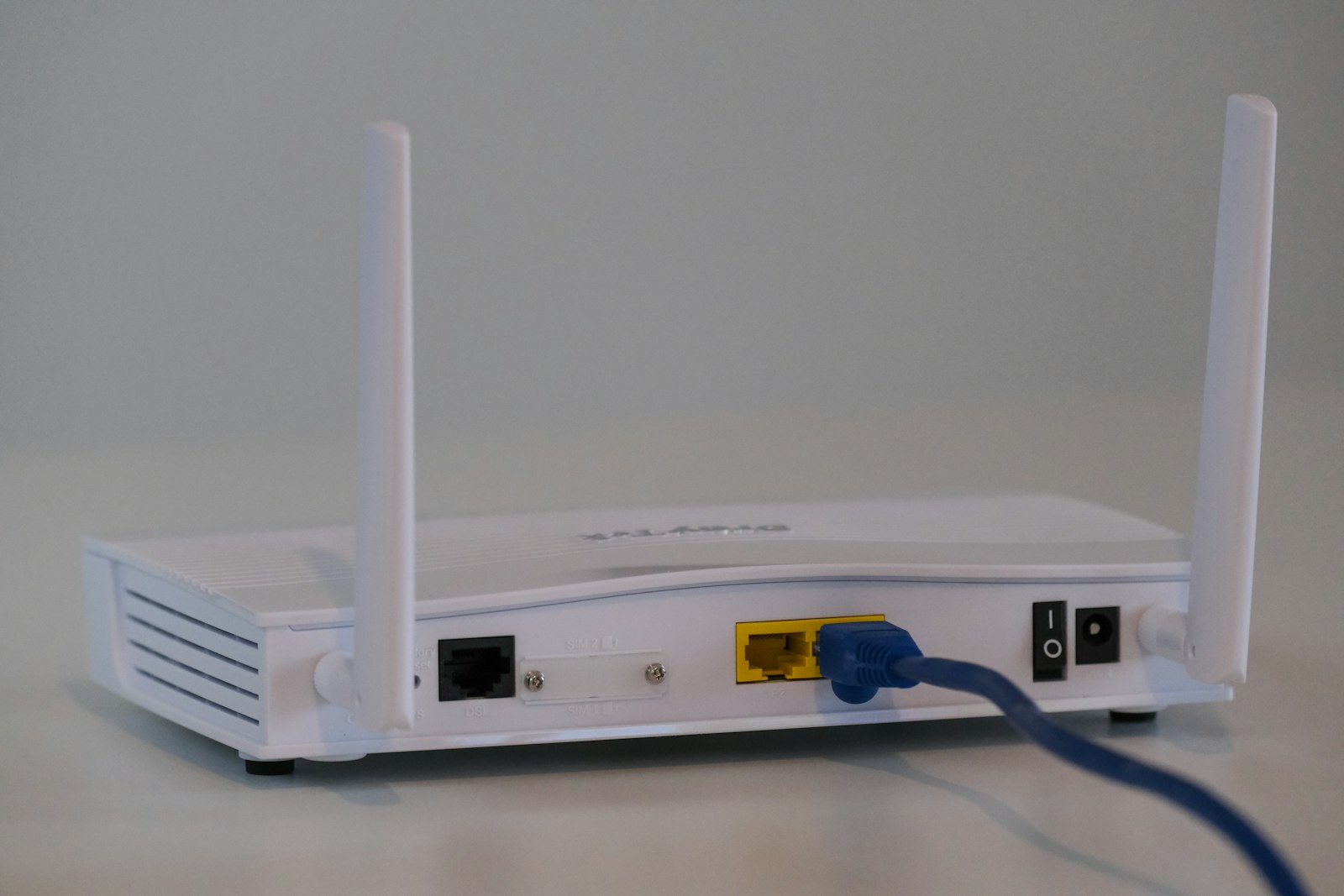
From the ONT, your router pushes the signal to every device in your home. Phones, laptops, TVs, smart bulbs, that random air fryer that wanted Wi-Fi for some reason. The whole trip — from your couch to a server halfway across the country and back — usually takes less than 20 milliseconds.
Wait, Not All Fiber Is the Same?
Nope. And this is where some providers play a little fast and loose with the word “fiber.” There are three flavors:
FTTH — Fiber to the Home
This is the real deal. Glass runs straight into your house. No copper anywhere in the path. If a provider is selling you “fiber,” this is what you want.
FTTC — Fiber to the Curb
Fiber gets close — like, the box at the end of your street close — and then jumps to copper for the last short hop into your home. Still pretty fast, but you’re losing some of the magic.
FTTN — Fiber to the Node
Here, the fiber stops at a neighborhood node that could be half a mile away from your house. Everything from there is copper. This is basically souped-up DSL with a fiber backbone. Calling it “fiber” feels generous.
If you’re shopping for a plan, ask the rep point-blank: “Is this FTTH?” Their answer tells you everything.
Fiber vs Cable vs DSL: The Quick Comparison
| Feature | Fiber | Cable | DSL |
|---|---|---|---|
| Top speed you can usually get | 10 Gbps | 1.2 Gbps | around 100 Mbps |
| Upload speed | Same as download | Way slower | Painfully slow |
| Ping / latency | 1–10 ms | 15–40 ms | 25–70 ms |
| How reliable is it? | Rock solid | Pretty good | Hit or miss |
| Does weather mess with it? | Barely | Sometimes | Often |
Look, cable isn’t bad. For most one- or two-person households just browsing and streaming, it’s totally fine. But the moment you’ve got a family running 4K streams in three rooms while someone’s on a work call and the smart fridge is doing whatever smart fridges do — fiber’s the upgrade that makes all of it feel effortless.
Why People Switch to Fiber
Speed is the obvious one, but it’s honestly not even the best part. Here’s what people actually rave about after switching:
Symmetrical uploads (the secret weapon)
On cable, uploading a 5 GB video to YouTube might take you 20 minutes. On gigabit fiber, you’re done in under a minute. If you’re a creator, work from home, or just hate watching upload bars crawl, this alone is worth the switch.
Low ping = better gaming
Gamers know. A ping under 10ms feels like the game is reading your mind. Cable’s 30ms is fine for casual stuff, but in a competitive match, it shows.
It doesn’t choke when everything is connected
The average American house now has somewhere around 25 connected devices. Cable struggles when too many of them get busy at once. Fiber doesn’t even flinch.
Future-proof
This is the unsung benefit. The fiber line in your wall today can carry speeds that don’t even exist yet. When 10 Gbps becomes normal in a few years, your provider just upgrades their equipment — your cable stays exactly the same.
Is Fiber Worth It For You?
Honest answer: probably yes, but it depends on what you do online.
You’ll feel the upgrade right away if you:
- Work from home and live on video calls
- Stream in 4K on more than one TV at a time
- Play online games and want every millisecond
- Run a smart home with a million little gadgets
- Upload big files — videos, photos, code, anything
If you live alone, mostly scroll on your phone, and stream Netflix in the evening — you might not notice a huge jump. A solid cable plan probably already covers you. But fair warning: the second you add a roommate, a partner, or a smart TV, you’ll feel the ceiling.
How to Find Out If Fiber Is Available Where You Live
This is the annoying part. Fiber availability in the US is still spotty. Here’s what to do:
- Punch your address into the availability checker on a provider’s site. AT&T Fiber, Verizon Fios, Google Fiber, Frontier, Ziply — try a few.
- Pull up the FCC’s National Broadband Map. It’s not perfect, but it’s the most honest snapshot of what’s actually wired in your area.
- Ask around. Neighbors, the next-door app, Reddit threads for your city. Real people will tell you what really works.
- Keep an eye out for those orange “fiber being installed” flags or markings on the sidewalk. They mean rollout is coming.
If fiber’s not in your neighborhood yet, don’t panic. It’s spreading fast. Check again every six months — a lot of areas that were dead zones in 2023 are lit up now.
Quick FAQ
Is fiber faster than 5G home internet?
Generally, yes. 5G home internet is a great option where fiber isn’t available, but it’s more sensitive to congestion, weather, and how far you are from a tower. Fiber doesn’t care about any of that.
Do I need a fancy router for fiber?
If you’re paying for gigabit, yeah — your router needs to support gigabit too. Otherwise you’re paying for speed you can’t actually use. Wi-Fi 6 or Wi-Fi 7 is the sweet spot right now.
Does fiber go down in storms?
Almost never because of the storm itself. Lightning doesn’t bother glass. The only time it’ll go down is if the power’s out at your house, your ONT loses juice, or something physically damages the line. Cable, on the other hand, gets fussy in heavy weather.
How much does fiber cost a month?
You’re usually looking at $40 to $90 a month, depending on your provider and how much speed you grab. Gigabit promotional rates commonly fall in a broad mid-range (often roughly –/mo before taxes/fees, depending on provider, AutoPay, and local competition — verify current pricing for your address). Often cheaper than cable for the same speed.
Is 5G the same thing as fiber?
Nope. Totally different. 5G is wireless — signals through the air. Fiber is wired — light through glass. They sometimes work together (your phone’s 5G tower might be fed by fiber on the back end) but they’re not the same thing.
Bottom Line
Fiber is the best home internet technology we’ve got. It’s faster, more reliable, harder to slow down, and built for the way we actually use the internet today — uploading, streaming, gaming, video calls, smart homes, all at once.
If it’s available at your address, switching is one of those upgrades you don’t think about until you have it, and then you wonder how you ever lived without it.
Go check if it’s at your address. Worst case, you find out you have to wait. Best case, you’re streaming, uploading, and gaming on a connection that feels like cheating in about a week.
Related Reading
- Why Is My Wi-Fi So Slow All of a Sudden? — 10 real reasons your Wi-Fi got slow and how to fix each one.
- What Is a Good Internet Speed for Your Home? — Exactly how much speed you need by household size and use case.
- Best Internet for Gaming in 2026 — Speed, ping, and the right plan for smooth online gaming.
- Fiber vs Cable Internet: The Honest Breakdown — Fiber vs cable — the head-to-head comparison.
About Fiber Internet Shop
Fiber Internet Shop helps Americans find the fastest, most reliable internet plan for their home. Our team tracks publicly reported fiber rollouts and breaks down what really matters when you’re shopping — we do not operate a proprietary lab or publish ranked “best ISP” test scores — speed, latency, upload, and real-world reliability. Check fiber availability at your address in under 30 seconds.