


Picking an internet plan in 2026 feels weirdly stressful. Providers throw numbers at you — 100 Mbps, 500 Mbps, 1 Gigabit, 5 Gig — and somehow they’re all “the right plan for you.” So what is a good internet speed for your home, actually? Not the marketing answer. The real one.
Honestly, the answer depends way more on how you use the internet than how fast your neighbor’s plan is. Let me break it down so you stop overpaying — or worse, underpaying and dealing with buffering every night.
The Short Answer Up Front
For most American households in 2026, somewhere between 200 Mbps and 500 Mbps is the sweet spot. That covers streaming, working from home, gaming, and a normal amount of smart-home stuff without making you wait around for anything.
Below 100 Mbps and you’ll feel the squeeze. Above 1 Gbps and you’re paying for speed your devices probably can’t even use. Most people sit comfortably in the middle.
But “most people” isn’t you, so let’s get specific.
How Much Speed Do Your Daily Activities Actually Need?
Here’s roughly what each thing eats up, per device:
| What you’re doing | Speed you actually need |
|---|---|
| Sending emails, browsing the web | 5–10 Mbps |
| Standard-def Netflix | 3 Mbps |
| HD streaming (Netflix, Hulu, YouTube) | 5–8 Mbps |
| 4K Ultra HD streaming | 15–25 Mbps |
| Zoom or Google Meet (HD) | 3–5 Mbps |
| Online gaming (PS5, Xbox, PC) | 10–25 Mbps |
| Twitch streaming (broadcasting) | 10–20 Mbps upload |
| Big file uploads (creators, photographers) | 50+ Mbps upload |
| Smart home devices (each) | 1–2 Mbps idle |
Now here’s the catch — those are per-device numbers. The second someone else in the house starts streaming or jumps on a call, you add their number on top of yours.
Real-Life Speed by Household Size
This is how it actually plays out for real homes. I’m assuming everyone’s doing what they normally do at the same time — because that’s when you notice slow internet.
Single person, light use
50–100 Mbps is totally fine. You browse, you watch Netflix, you do the occasional video call. You’re not the bottleneck.
Couple, both working from home
Aim for 200–300 Mbps. Two Zoom calls at the same time, both with HD video, plus a Netflix show running in the background eats more than you’d think.
Family of 4 with a smart home
This is where 500 Mbps to 1 Gbps starts making sense. Multiple 4K streams, online gaming, video calls, plus 20+ smart devices doing their thing in the background.
5+ people / heavy users
Go straight to 1 Gbps or higher. Big households with content creators, gamers, and constant 4K streaming will feel even a slight bottleneck.
Don’t Forget About Upload Speed
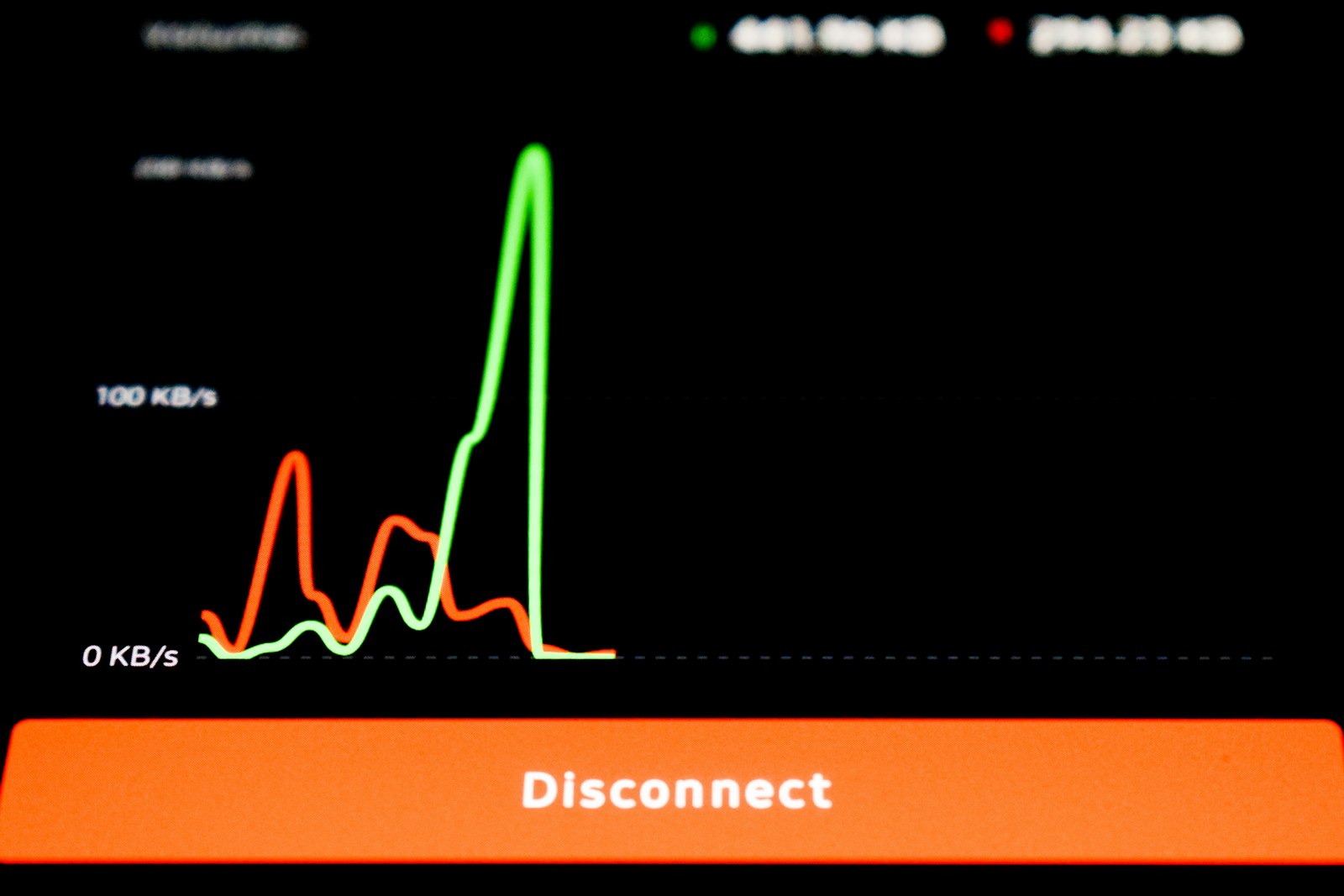
This is the part most people skip and then regret. Internet plans advertise download speed because it’s the bigger, flashier number. Upload speed is usually buried in the fine print.
Why upload matters:
- Every Zoom or Google Meet call uses upload. Bad upload = freezing during your sentence.
- Backing up photos to iCloud or Google Photos? That’s all upload.
- Posting Reels, TikToks, or YouTube videos? Upload again.
- Cloud backups, Dropbox sync, OneDrive — all upload.
Cable plans usually give you a tiny fraction of your download for upload. A 500 Mbps cable plan might only let you upload at 20 Mbps. Fiber often offers symmetrical or near-symmetrical speeds, depending on the provider and plan (some fiber plans still advertise slightly different download and upload figures). If you upload regularly, that upload headroom is usually a big quality-of-life difference.
What Speed Do You Need for Streaming?
Quick reference, because this is the #1 reason people upgrade:
- 1 TV streaming 4K — 25 Mbps is plenty
- 2 TVs streaming 4K at once — 50 Mbps
- 3+ TVs in 4K plus other devices — 100+ Mbps
- Whole-family streaming night — 200+ Mbps to avoid buffering anywhere
Streaming is the easy use case to plan for. Gaming and working from home are where things get sneakier, because they’re sensitive to latency, not just speed.
What About Working From Home?

If you work from home, you don’t need crazy speeds, but you do need reliability and decent upload.
Rough targets:
- 1 person, mostly emails and Slack — 50 Mbps is fine
- 1 person, on video calls most of the day — 100 Mbps
- 2 people, both on Zoom + a streaming TV in background — 200 Mbps
- Heavy file uploads (designers, developers, photographers) — fiber with 300+ Mbps and at least 100 Mbps upload
The bigger thing for remote work isn’t the speed — it’s latency (how fast the data round-trip happens) and packet loss. Fiber wins both of those hands down.
How to Test Your Current Internet Speed
Before you upgrade, figure out what you actually have. Sometimes you’re paying for 500 Mbps and only getting 200 because of an old router or bad Wi-Fi placement.
- Go to speedtest.net or fast.com on your phone or laptop.
- Run the test on Wi-Fi first. Note the download AND upload numbers.
- Now plug your laptop directly into the router with Ethernet. Run it again.
- If Ethernet is fast but Wi-Fi is way slower → it’s a Wi-Fi problem, not a speed problem.
- If both are slower than your plan promises → call your ISP.
Don’t bother testing once. Test at 8 AM, at 7 PM, and at 11 PM on different days. That gives you a real picture, not just one good number.
Are You Overpaying for Speed You Can’t Use?
This happens more than people think. A 5 Gbps plan sounds amazing — until you realize:
- Most phones max out at around 1.2 Gbps over Wi-Fi 6.
- Most laptops max out around 1 Gbps over Wi-Fi or Ethernet.
- Your router might be the bottleneck.
- The websites and services you use can’t actually deliver data that fast anyway.
If you’re paying $150/month for a 5 Gbps plan and your house tops out at 700 Mbps on Wi-Fi, you’re throwing money away. A $70 gigabit plan would give you the same actual experience.
FAQ
Is 100 Mbps fast enough for a family?
For a small family doing normal stuff — yes. For a family of four with multiple 4K streams and gaming at the same time — you’ll feel the ceiling pretty fast. Bump up to 200–300 Mbps if you can.
Is 1 Gbps overkill?
For a single person, yeah, probably. For a busy household with 20+ devices, content creators, gamers, and 4K streaming? It’s the sweet spot.
What’s the difference between Mbps and Gbps?
1 Gbps = 1,000 Mbps. So a 1 Gbps plan is 10x faster than a 100 Mbps plan, on paper.
Why does my Wi-Fi feel slow even on a fast plan?
Usually your router. Old routers can’t deliver the speed you’re paying for. Test with Ethernet — if Ethernet hits your plan speed but Wi-Fi doesn’t, your router is the problem.
Does fiber really make a difference?
Yes, especially for upload-heavy stuff (video calls, posting content, cloud backups) and households with lots of devices going at once. The often-symmetrical (or near-symmetrical) upload speed alone is worth it for many households.
Bottom Line
A good internet speed for your home isn’t about chasing the biggest number on the brochure. It’s about matching your plan to how you actually use the internet.
Quick recap:
- Solo user, light use → 50–100 Mbps
- Couple, work-from-home → 200–300 Mbps
- Family of 4 with smart home → 500 Mbps – 1 Gbps
- 5+ users / heavy creators → 1 Gbps+
And whatever number you land on — make sure to check the upload speed too, and that your router can actually deliver it. Otherwise you’re paying for a Ferrari and driving it in a school zone.
Related Reading
- How Many Mbps for Netflix in 4K? — The real-world speed you need for buffer-free 4K streaming.
- Best Internet for Gaming in 2026 — Speed, ping, and the right plan for smooth online gaming.
- What Is Fiber Internet? A Complete Beginner Guide — Everything you need to know about fiber internet — the foundational guide.
- Fiber vs Cable Internet: The Honest Breakdown — Fiber vs cable — the head-to-head comparison.
About Fiber Internet Shop
Fiber Internet Shop helps Americans find the fastest, most reliable internet plan for their home. Our team tracks publicly reported fiber rollouts and breaks down what really matters when you’re shopping — we do not operate a proprietary lab or publish ranked “best ISP” test scores — speed, latency, upload, and real-world reliability. Check fiber availability at your address in under 30 seconds.